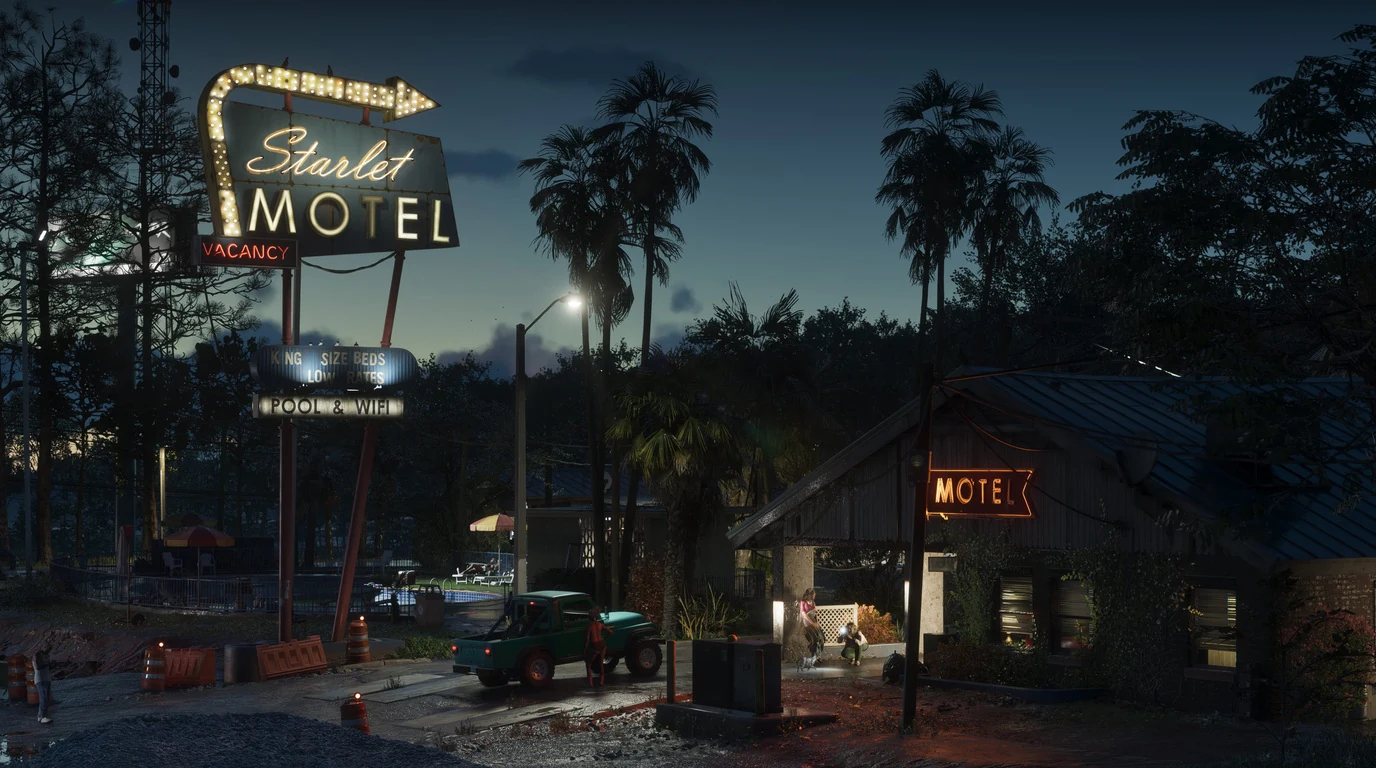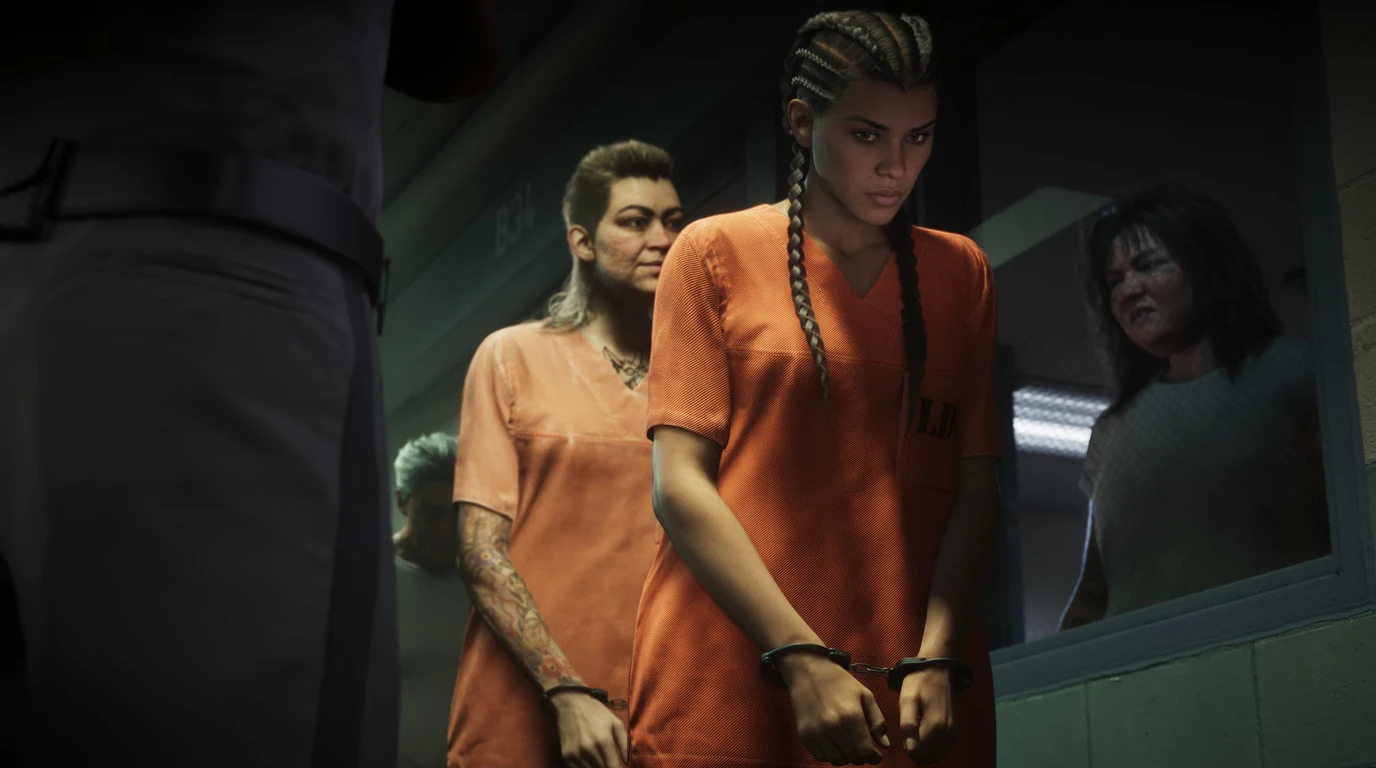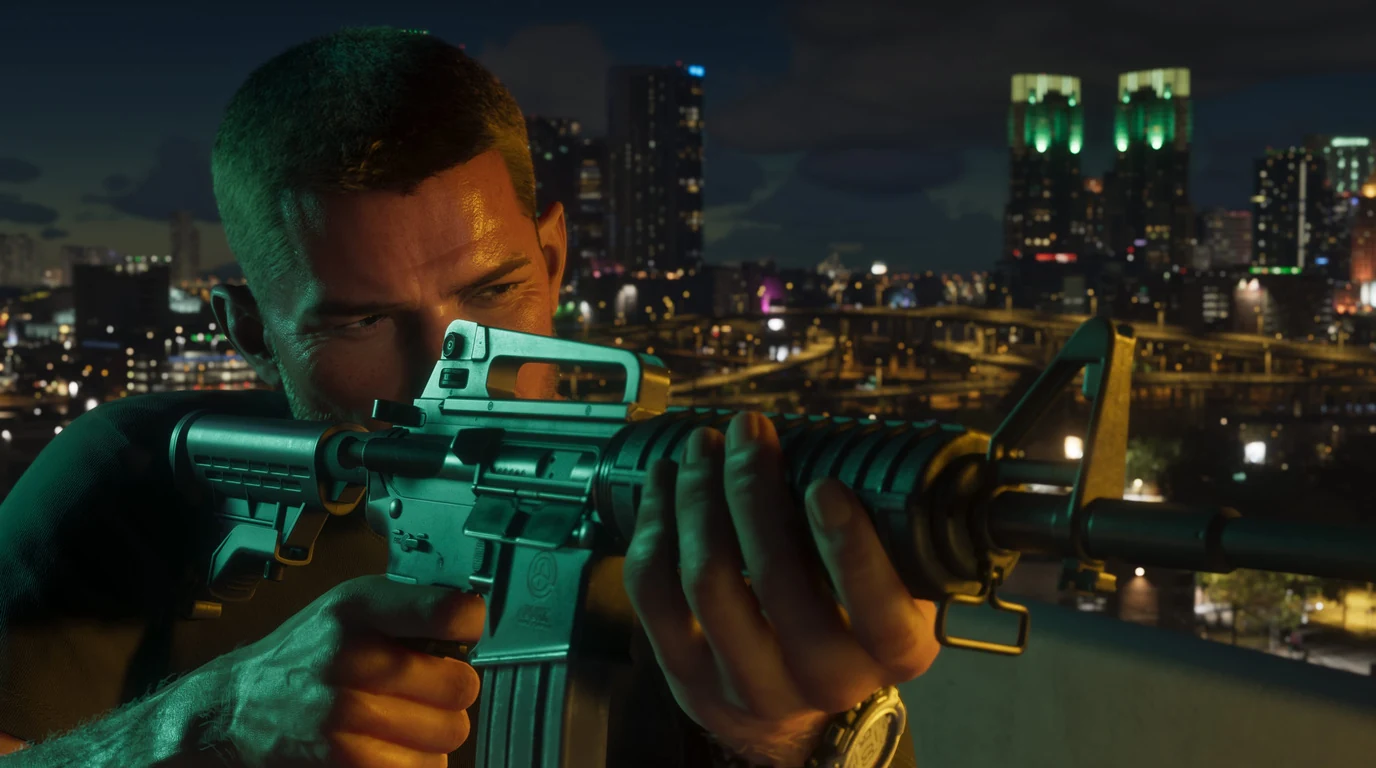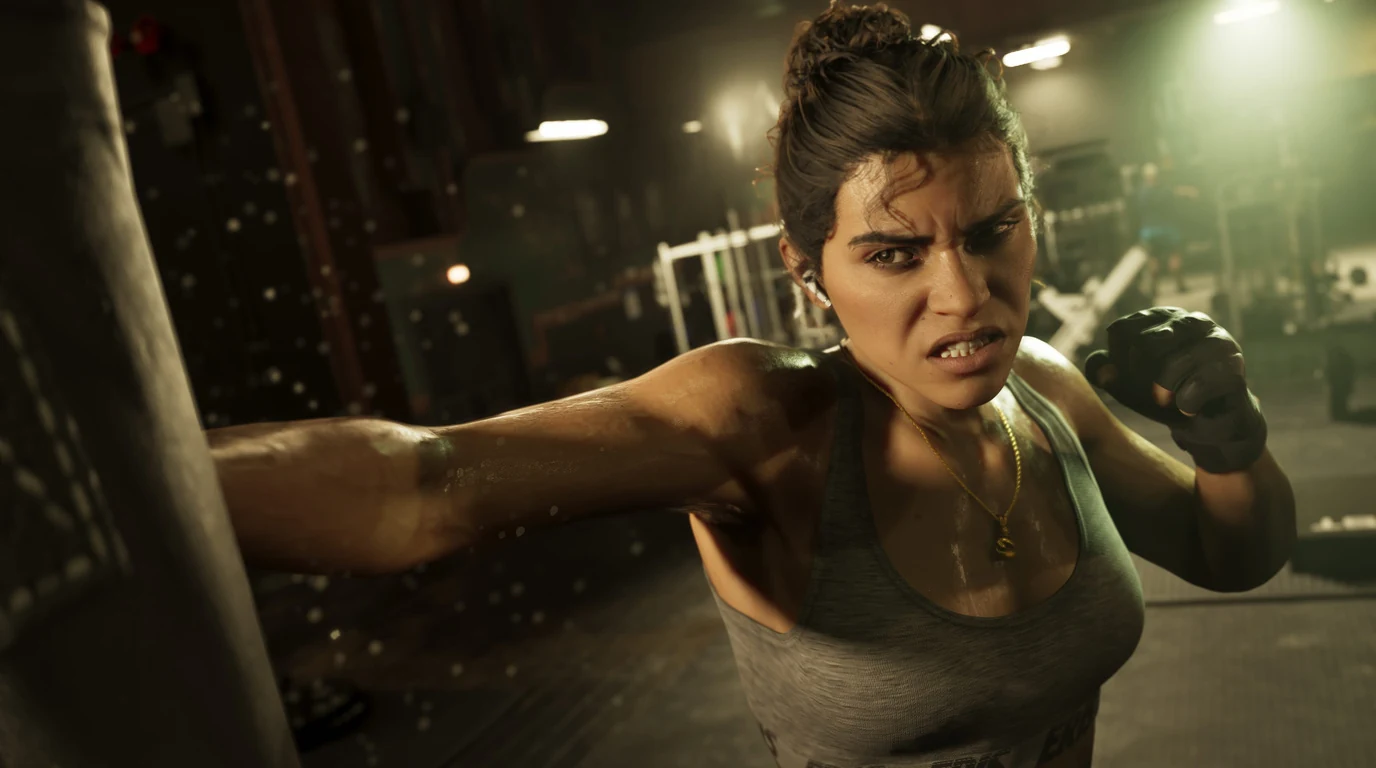
There is no PC version, but there is a way to play on your PC screen, as long as you own a console. Here is how, step by step.
The short answer
GTA 6 is only available on PlayStation 5 and Xbox Series X|S, and there is no native PC version yet. But Rockstar has confirmed that the game “will also fully support Remote Play on PlayStation and Xbox”.
Remote Play means the game runs on your console at home, while your PC shows the picture and sends your button presses back. So you can play on a PC screen — but only if you own a console and a copy of the game.
Remote Play from a PS5
- On the PS5, open Settings → System → Remote Play and turn on Enable Remote Play.
- So that the console can be woken remotely, open Settings → System → Power Saving → Features Available in Rest Mode and turn on Stay Connected to the Internet and Enable Turning On PS5 from Network.
- On the PC, install Sony’s official PS Remote Play app (it exists for Windows and macOS) and sign in with the same PlayStation account as on the console.
- Connect a DualSense controller to the PC by USB or Bluetooth, start the connection, and launch GTA 6 from the console menu.
Sony recommends a connection of at least 15 Mbps on both ends. A cable or 5 GHz Wi-Fi on both the console and the PC makes a noticeable difference.
Remote Play from an Xbox
- On the Xbox, open Settings → Devices & connections → Remote features and turn on Enable remote features.
- In Settings → General → Power options, choose Sleep, so the console can wake up for a remote session.
- On the PC, open the Xbox app for Windows, sign in with the same account and choose your console.
- Connect an Xbox controller to the PC and launch GTA 6.
The same advice applies: the faster and more stable the home network, the better the picture.
What to expect
Remote Play streams video from your console, so the picture cannot be better than on the console itself: the same 30 frames per second, plus some compression and input delay that depend on your network. It is comfortable for story missions and driving, and less so for fast shootouts.
If the stream stutters, the single biggest fix is a cable instead of Wi-Fi, on both the console and the PC side.
Why cloud gaming will not work
Xbox Cloud Gaming does carry GTA 6, but only to Xbox Series X|S and Xbox One consoles, using Series S graphics settings. It does not stream the game to PCs, browsers or phones: Xbox’s Matthew Ball has said the game won’t stream to PC.
Services like GeForce Now need a PC version of a game to run it in the cloud, and GTA 6 does not have one yet.
What not to download
Search results are full of “GTA 6 PC download” pages and “cloud launchers” for GTA 6. None of them are official. According to NordVPN, a ready-made scam kit that uses a fake GTA 6 PC version as bait is being sold for $200, so these pages are a business, not a mistake.
The development build of the Xbox version that a hacker group published on launch day is stolen code, not a PC release. The rule is simple: until Rockstar announces a PC version, there is no PC version.
If you do not have a console
Then the options are to wait or to play something else in the meantime. Everything known about the PC release, including the early-2027 rumour, is in our piece on GTA 6 on PC. For the wait, there are five Rockstar games that are already on PC.
And if you just want a drive through a neon city right now, try our fan-made game in the browser. It is not GTA 6, but it runs on any PC.
- 01Dexerto — Rockstar on Xbox Cloud Gaming and Remote Play support
- 02Sony — PS Remote Play app for Windows and macOS
- 03Xbox Support — how to use Remote Play
- 04Rock Paper Shotgun — 30 fps on every console
- 05PC Gamer — a 'GTA 6 PC scam kit' on the dark web, according to NordVPN
- 06Eurogamer — Cyberleek claims to have leaked a development build